3D Product Configurator
Start with a supported product, then set colours, place logos or artwork, and inspect every decision on the product itself. Save the exact design and proceed to a quote review with our suppliers when it's ready.
Supported starting points
The editor opens on the product you select, with its real panels, placement areas, materials, and production options—not a generic blank canvas.
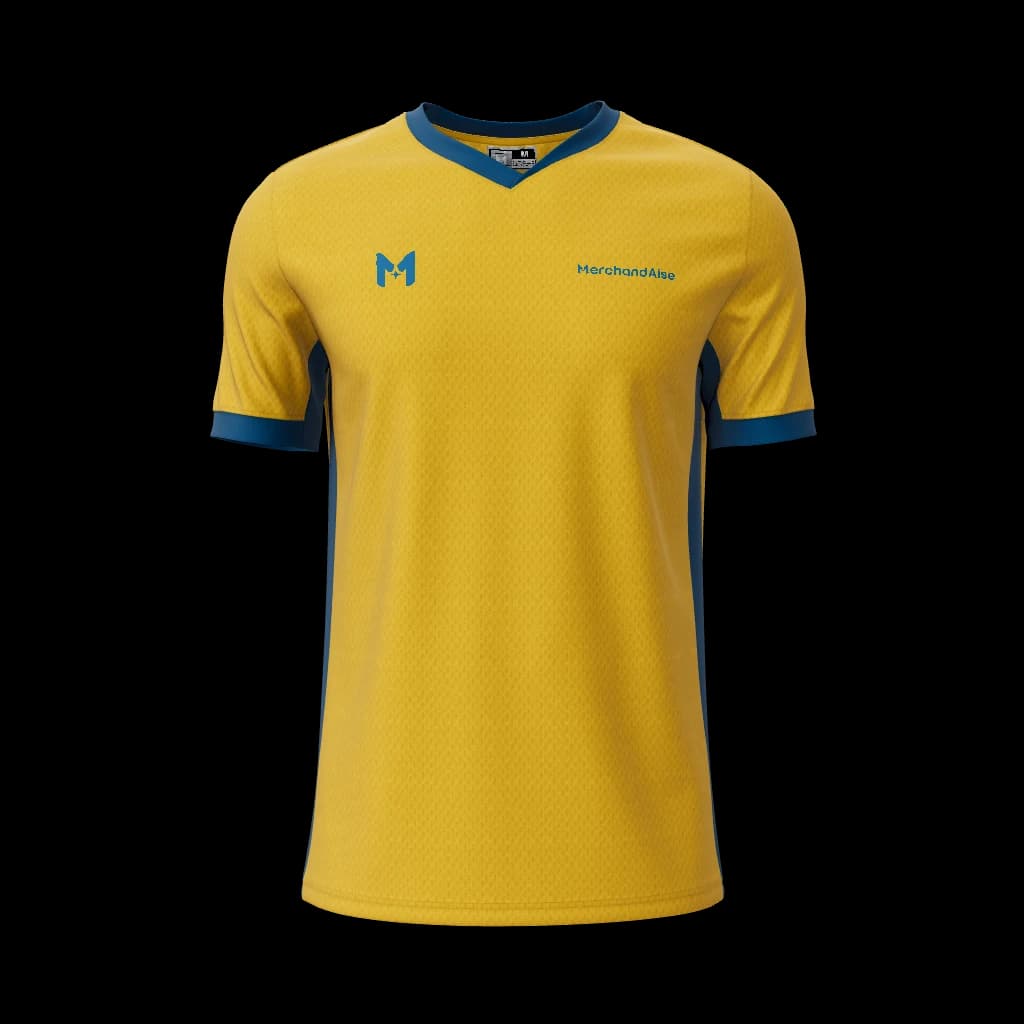
Teamwear
Open this supported product in live 3D, add your brand assets, and keep the exact design ready for review.
Design in 3D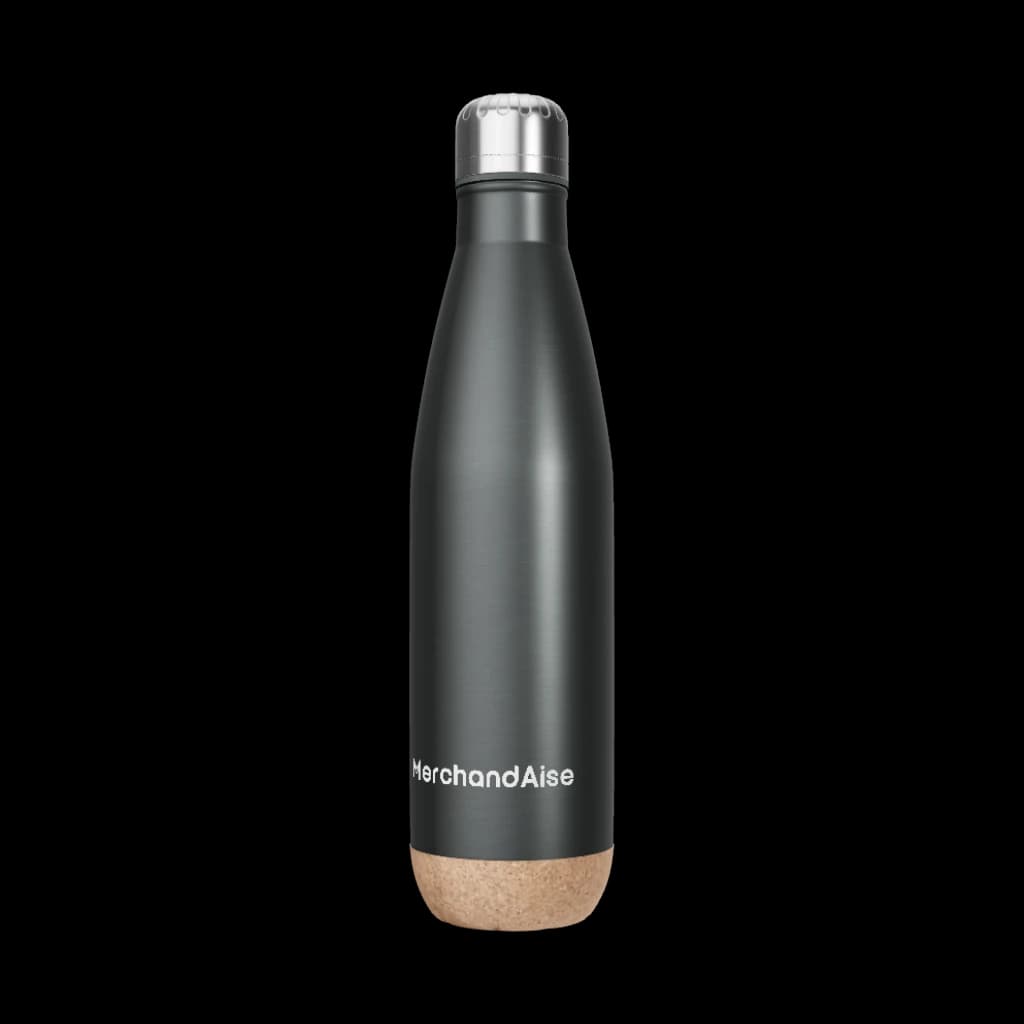
Teamwear
Create stainless steel bottle for clubs and teams. Personalize supported colors, artwork, identity elements, and placements.
Design in 3D
Teamwear
Open this supported product in live 3D, add your brand assets, and keep the exact design ready for review.
Design in 3D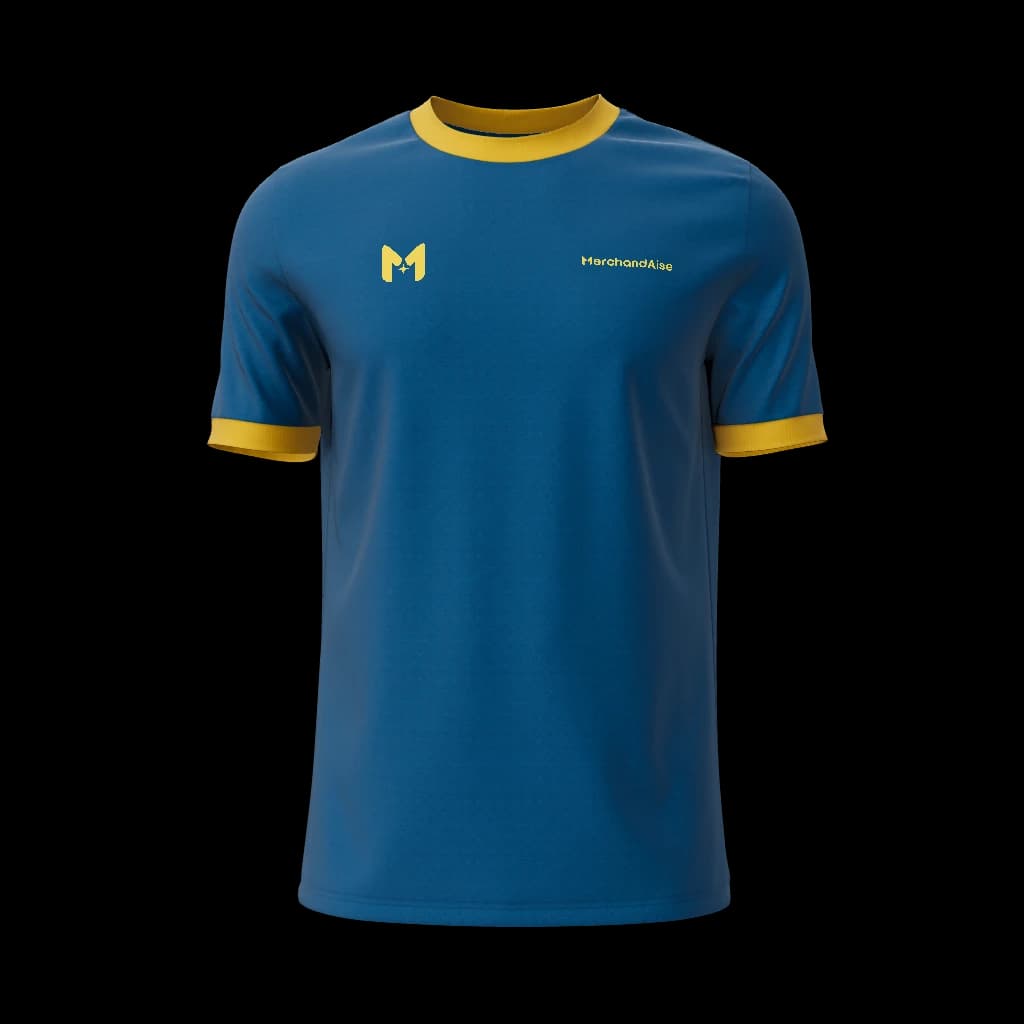
Teamwear
Experience unmatched comfort and style with this customizable jersey. Perfect for players and fans alike, it showcases your club pride effortlessly.
Design in 3D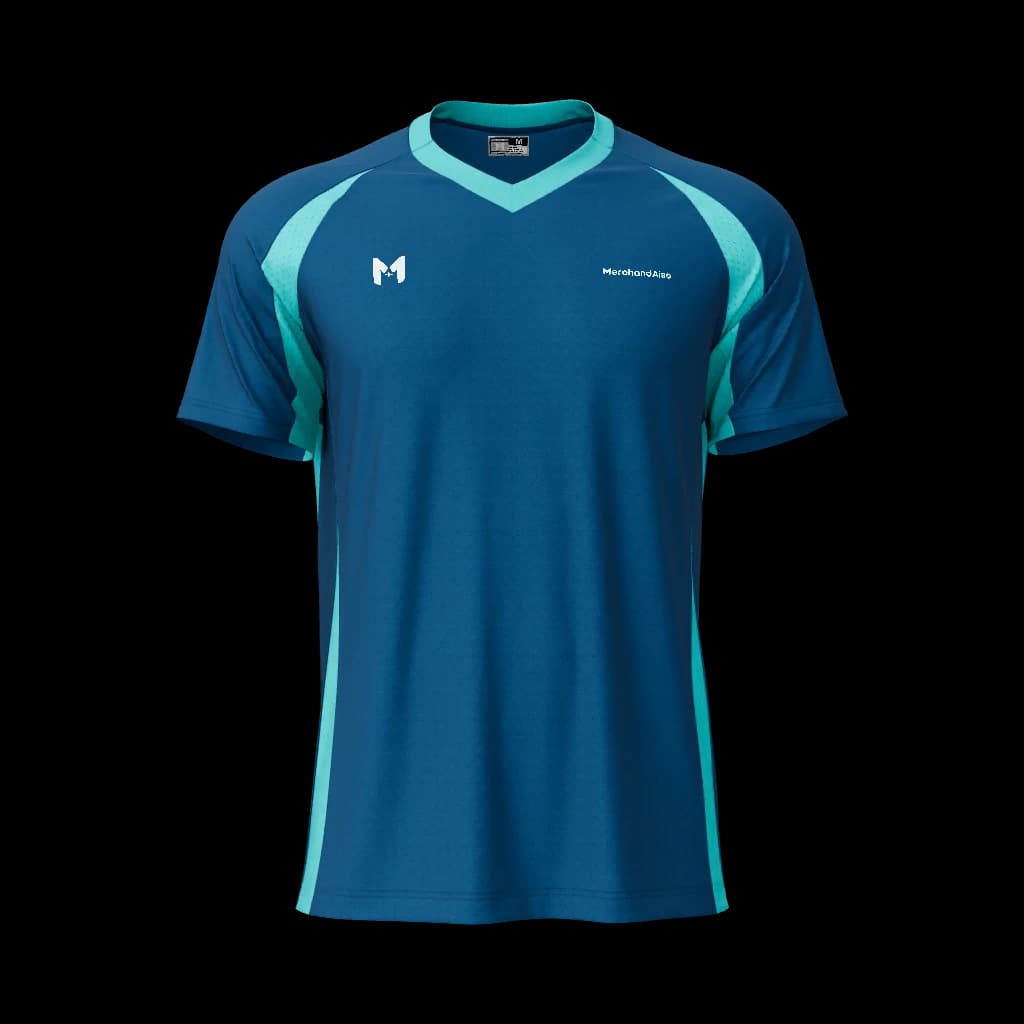
Teamwear
Open this supported product in live 3D, add your brand assets, and keep the exact design ready for review.
Design in 3DSign in to reopen private uploads, saved versions, design history, and quote preparations across devices.
The MerchandAise configurator starts with a supported product so every colour, panel, logo, and placement decision belongs to something that can be reviewed for production. Clubs, events, and companies can shape the design visually, keep one exact version for approval, and move that version towards a quote with our suppliers without needing professional design software.
Choose a supported product with the right shape and purpose.
Set colours, then upload and place logos or artwork.
Inspect the exact design from every useful angle in live 3D.
Save that version or proceed to a quote review with our suppliers.
The live preview makes the selected design version clear. Price, MOQ, availability, and end-to-end delivery expectations become confirmed only after the exact product, quantity, materials, decoration, destination, and timing have been reviewed against current supplier capability.
Start with AI when your input is still a sentence, sketch, logo, or reference image. Come here when the product direction is clear and you're ready to make the visual decisions in 3D.
You can design custom teamwear, sports uniforms, workplace apparel, event merchandise, bags, caps, gifts, packaging, and other customisable products supported by the MerchandAise catalogue.
The AI Custom Product Designer is the intent and planning page for prompts, uploads, AI adaptation, manufacturable options, and quote guidance. The 3D Product Configurator is the live editor where buyers place artwork, inspect the visual product, save drafts, and prepare a quote-ready design.
They are confirmed only after the exact design version, quantity, materials, decoration method, destination, timing, and current supplier capability have been reviewed. Any material design or requirement change requires a fresh quote.
Yes. You can browse supported products and open the editor as a guest. Sign in when you want to keep private uploads, saved versions, and design history available across devices.
