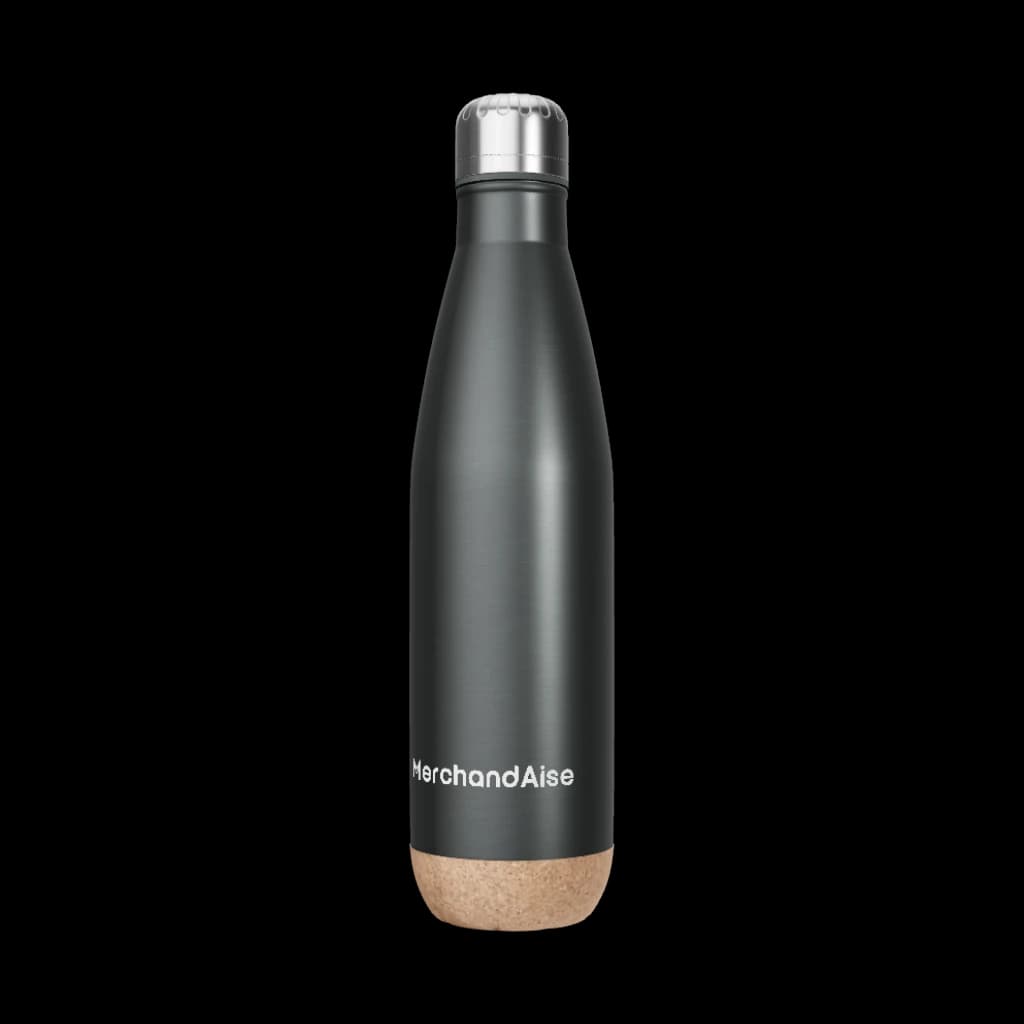
3D Retail Rollout Configurator
Plan custom packaging, POS displays, shelf signage, and branded merchandise with photoreal 3D previews, transparent pricing, and repeat-order control.

The full gallery and workflow demos will appear as soon as the client components load. Hang tight while we set up visual configurators for your selected program.
Compare adjacent programs or open the retail shop while you plan packaging, POS displays, branded merchandise, and repeat reorder runs.
Open the retail shop or compare nearby programs while you plan packaging, shelf displays, branded merchandise, and repeat reorders.
Start a design in our AI 3D configurator to see pricing updates in real time, or reuse approved assets from your category vault.
Most retail programs move from approved artwork to production planning quickly because packaging, POS displays, shelf signage, and branded merchandise all sit in one approval flow.
Teams can review photoreal 3D previews, finalize materials and finishes, and send complete launch kits into production without rebuilding the brief for each asset type.
That makes it easier to hit campaign dates for store launches, seasonal refreshes, and replenishment runs with fewer handoff delays.
Yes.
Retail programs can be scoped with recycled boards, lower-impact coatings, FSC-certified paper options, and selected recycled or organic merchandise materials where the assortment requires them.
Material choices, supplier notes, and approvals stay attached to the project so sustainability, compliance, and brand teams can review the same information before production starts.
That gives retailers a cleaner way to balance shelf impact, durability, and responsible sourcing across packaging, displays, and branded goods.
Yes.
You can upload logos, color standards, typography, packaging rules, and approved layouts once, then control who can edit or reorder them by region, store group, or partner.
Local teams can work from approved templates without changing protected brand zones, which keeps store-specific updates from drifting off-brand.
Version history also gives legal, procurement, and licensing teams a clear audit trail when packaging or campaign assets change.
Retail kits can be split by store, region, warehouse, or partner destination while central teams keep oversight of approvals, pricing, and production status.
Approved packaging, POS, and merchandise assets can be reordered without reopening the full project, which keeps replenishment cycles faster and more consistent.
Tracking dashboards show what is in approval, production, transit, and delivered status so launch teams can line up store setup with incoming stock.
Approved projects can be duplicated, updated, and relaunched without rebuilding every packaging, display, and merchandise file from scratch.
That makes it easier to refresh graphics, adapt store variants, add new SKUs, or update claims while keeping the same approval structure and source assets.
When timing is sensitive, revised assets can move through a faster review and production path so the launch stays aligned across channels.
Coordinate packaging, POS displays, shelf signage, and branded merchandise so every store receives the right launch kit when campaigns go live.
Review structure, color, typography, finishes, and shelf presence in photoreal 3D before packaging, displays, and branded merchandise move into production.
Compare materials, finishes, pack counts, and distribution plans in one pricing view so launch teams can manage retail spend with fewer surprises.
Keep approved dielines, artwork, layouts, and display templates searchable so store updates, regional variants, and repeat orders stay fast and on-brand.
Keep packaging, POS, and branded merchandise aligned across ecommerce, retail partners, pop-ups, and replenishment flows without duplicating approvals or assets.
Retail teams use MerchandAise to align packaging, displays, and branded merchandise with clearer approvals, cleaner production handoffs, and faster repeat orders.