Home
Shop
Cart
Home

Currently viewing

Events

WorkplaceHospitalityPrintpacksRetail
Open event shop
WorkplaceHospitalityPrintpacksRetail

Events

Make your event something to remember.

Create merchandise for conferences, festivals, club events and celebrations. Explore supported products in real-time 3D with AI guidance, then review a quote. No design experience needed.

Explore event ideasDiscuss your event

Start with your event and date

Tell us what you are planning and when you need it. ChatGPT access depends on your account and whether MerchandAise is enabled for your workspace.

Event merchandise design examples

Events

Event merchandise design examples

Browse event products

Find your starting point

Something for everyone taking part.

From a small celebration to a conference or festival, choose ideas that suit your audience. Product options, quantities and availability are reviewed for your request.

Attendee giveaways

Explore bottles, totes and other useful keepsakes with your event identity. Start with something people will want to use again.

Staff and volunteer apparel

Share ideas for T-shirts and other supported apparel that help your crew feel part of the event. Include roles, quantities and sizes.

Speaker and sponsor gifts

Create a thank-you for speakers, performers or partners. Include any names, logos and packaging ideas in your brief.

Celebrations and club events

Bring a shared identity to reunions, club gatherings and personal milestones. Tell us what makes the occasion yours.

Browse event products

Your idea, made visible

Describe the event. Shape the design.

In a supported MerchandAise ChatGPT workspace, describe what you want, see the product in real-time 3D and give feedback. No design software experience needed.

Example prompt

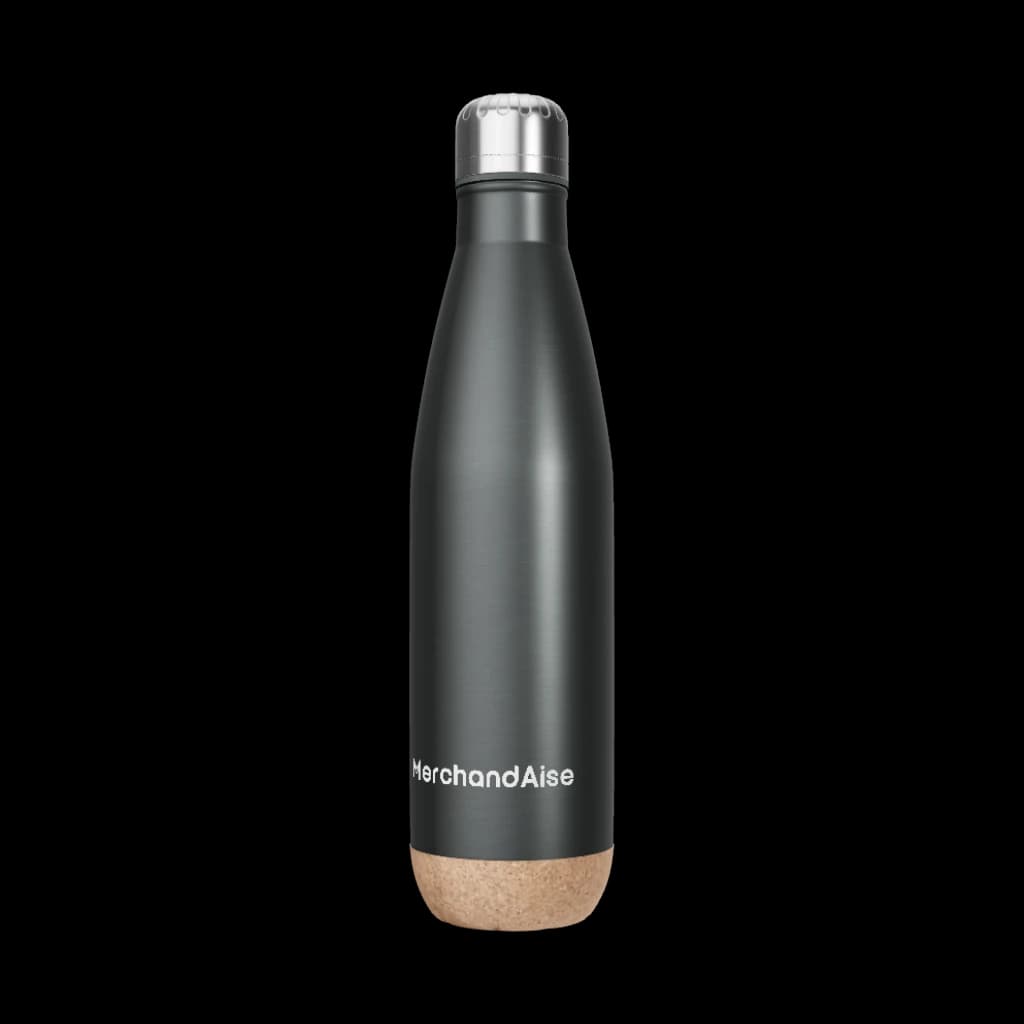
Design a stainless-steel bottle for our summer music festival, with our event logo on the front and sponsor logos near the base.

Example feedback

Make the event logo larger and give the sponsor logos more space.
Explore AI designShare a product reference

How it works

From the first idea to a reviewed quote.

Work through the design and practical details together, with the event date in view.

  1. 01

    Share the occasion

    Tell us about your event, audience and arrival date. Add a product idea, reference, budget and estimated quantity if you have them.

  2. 02

    Shape the design

    Explore supported products in real-time 3D. Give feedback in a supported AI session, or work through the idea with our team.

  3. 03

    Review the plan

    Confirm artwork, quantities and delivery details. Review the quote, timing and approval requirements before ordering.

Plan around your event

The right details, from the start.

A useful brief helps us review what fits your audience, budget and schedule.

Audience and quantity

Include attendee numbers, crew roles and any size or recipient variations. Minimum quantities depend on the product and decoration method.

Artwork and sponsors

Share your event identity and logo placement rules. Use artwork you own or have permission to use, and allow time for stakeholder approval.

Arrival date and destination

Give the date the goods must arrive, not just the event date. Include the delivery location, budget and any packing or venue restrictions for review.

Before you order

Know what is confirmed.

A design preview helps you decide. The reviewed specifications and quote define the production and delivery plan.

Preview the design

Real-time 3D shows supported choices. Screen colors, materials and finishes can differ from the physical product.

Confirm timing and terms

Your quote confirms the agreed product, quantity, price and delivery terms. A requested date is not a delivery promise; changes may need a fresh review.

Review proofs and samples

Approve the exact digital proof, confirm producibility, and complete the technical checks and sample approvals specified for your order before mass production. Any offered customer-sample choice must be explicit; existing accepted requirements remain binding.

Practical planning

A little guidance for your next event.

Explore ideas and the details that affect quantities, approvals and delivery.

Choose conference and trade show merchandise

Consider useful products for attendees, booths and follow-up.

Understand quantities and timing

See how minimum quantities, approvals and delivery affect your plan.

Prepare your event merchandise brief

Work through product fit, artwork, packing and production questions.

More ideas to explore

WorkplaceHospitalityPrintpacksRetail

Your questions

A few things to plan for.

Start with what you know. We can help you work through the rest.

What event merchandise can I create?+

Share ideas for attendee giveaways, staff apparel, speaker gifts or products for a celebration. Bottles, bags and supported apparel are starting points. Available products, decoration and quantities are confirmed for your request.

Do I need design experience to use the AI designer?+

No. Describe your event and the product you have in mind, then give feedback on the design. AI-guided design runs in supported MerchandAise ChatGPT workspaces; access depends on your account and setup. You can also explore supported products in the website 3D editor or contact our team.

Can you meet my event deadline?+

Share your required arrival date, delivery location, product idea and quantity early. We review production, approvals and delivery before confirming terms. If the timing does not fit, ask about supported alternatives. A request or preview does not reserve a delivery date.

Is there a minimum order quantity?+

Minimum quantities depend on the selected product and decoration. Include your estimated quantity and budget in the brief; your quote confirms current terms. Ask about alternatives if the proposed quantity does not suit your event.

Can I include sponsor logos or different crew designs?+

Include the artwork, logo hierarchy, placement rules and any variations in your brief. Supported options and any extra costs need review for each product. Use logos you own or have permission to use and confirm the final artwork with the relevant people.

How do proofs, samples and delivery work?+

Confirm the digital design and technical requirements before production. Sample options, approval steps and their costs and timing are reviewed for your product. A 3D preview is not a physical sample. Include venue access, packing or distribution requirements so they can be checked before you agree to the quote.

Your next event

What are you bringing people together for?

Share your event, idea and arrival date. We will help you work out the next step.

Discuss your eventExplore AI design