
Custom packaging and printed materials
Create the packaging you have in mind.
Start with an idea or artwork. Explore supported products in live 3D with AI guidance, then bring the design, quantity and delivery into a reviewed quote. No design experience needed.
Start with what you know
Send a brief for team review or explore a supported product. ChatGPT access depends on your account and whether MerchandAise is enabled for your workspace.
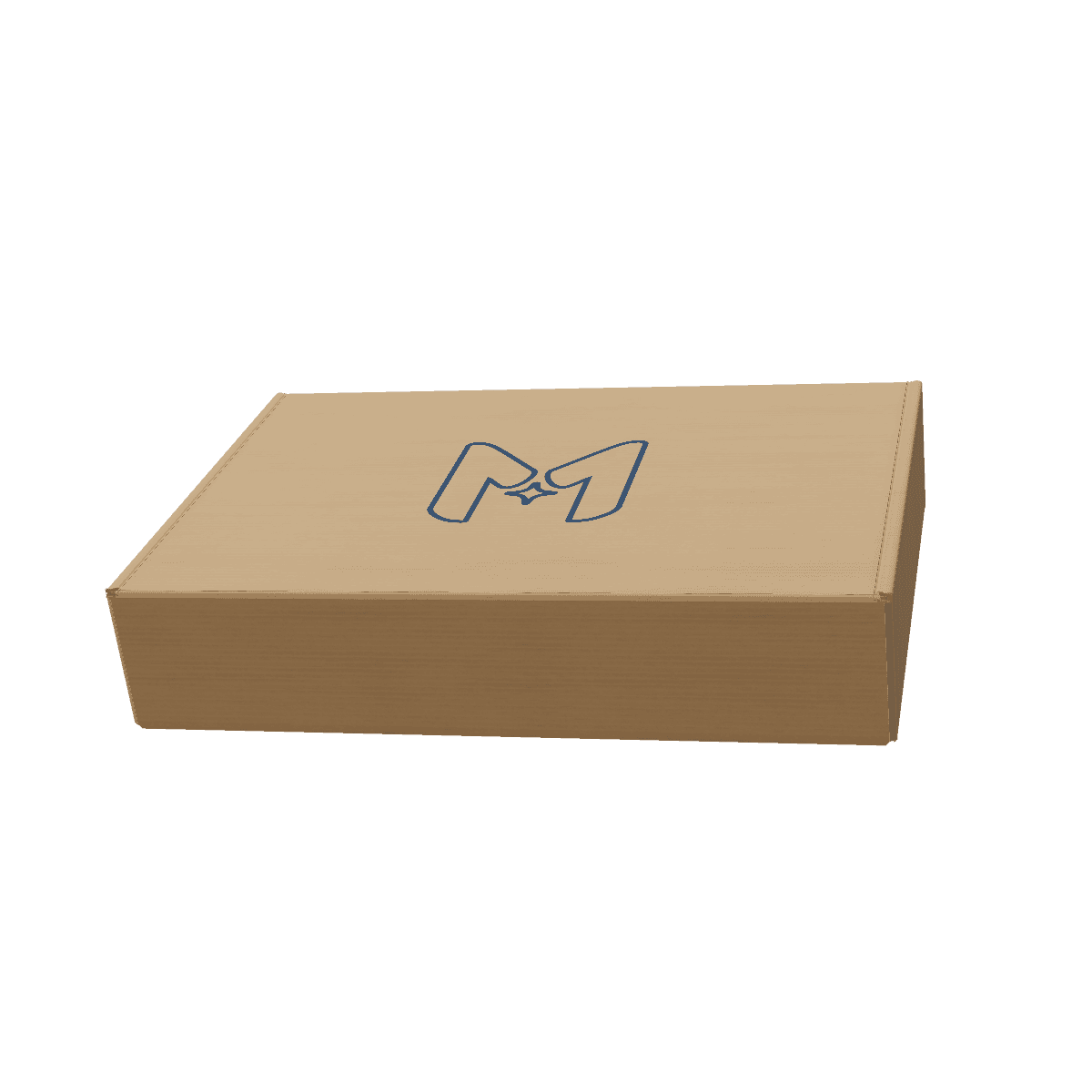
Custom Mailer Box
Preview image · Open the product to explore in 3D.
Explore this mailer boxFind your starting point
For the product. For the occasion.
Ideas for personal gifts, teams, events and brands. Formats, materials and quantities are reviewed for your request.
Boxes and mailers
Packaging for gifts and deliveries, with artwork that makes the outside part of the experience.
Cards and inserts
Add a personal note, care instructions or a welcome message.
Labels and sleeves
Colors, logos and product information for labels, wraps, stickers and tags.
Event and display print
Printed materials for a gathering, launch or display.
From an idea to a design
Describe it. See it. Refine it.
In a supported MerchandAise ChatGPT workspace, describe your idea, see the product in 3D and ask for changes in everyday language.
Example prompt
Create a mailer box for my candles, with our logo and a simple green design.
Example feedback
Make the logo smaller and leave more space around it.
How it works
An idea is enough to begin.
MerchandAise connects your design choices with the details of making and delivering your product.
- 01
Describe your idea
Tell us what you want to package, who it is for and any quantity or timing you know. A photo, sketch or existing design can help.
- 02
Explore the design
Use live 3D on supported products. Ask for creative guidance in a supported AI session, or share your brief with our team.
- 03
Review your quote
Confirm the design, dimensions, materials, quantity and destination. Review the price, delivery and approval requirements before ordering.
The details that matter
Make it look right. Make it work.
Our team reviews how your design can be made. If a choice does not fit the brief, ask about supported alternatives.
Fit and protection
Start with the contents, dimensions and how the package will travel. New structures or inserts need technical review.
Artwork and finish
Bring your colors, logo and message. Materials, print methods and finishes depend on the chosen product and production options.
Quantity and delivery
Share how many you need and where they should go. Minimum quantities, costs and timing are confirmed in the quote.
Before you order
Know what you are approving.
A clear preview helps you decide. The reviewed specifications and quote define what will be made.
Preview the design
Live 3D helps you review supported shapes and artwork. Screen colors, textures and finishes can differ from the printed result.
Confirm the details
Your quote covers the agreed product, quantity and delivery requirements. Changes may need another review. MerchandAise remains your point of contact.
Review proof and sample requirements
Approve the exact digital proof, confirm producibility, and complete the technical checks and sample approvals specified for your order before mass production. Any offered customer-sample choice must be explicit; existing accepted requirements remain binding.
A little guidance
Useful details, when you need them.
You can start without a finished specification. These guides help when you are ready to work through the details.
Your questions
A few things to know.
Start simply. Work through the details as your idea takes shape.
What packaging and printed materials can I request?
Boxes, mailers, sleeves, cards, inserts, labels or event print. We review the format, material, quantity and destination to confirm availability. A product preview does not confirm an offer.
Do I need design experience?
No. Describe what you want or bring a reference. Personal projects, team ideas and brand briefs are welcome; our team can help clarify the next step.
How do I use the AI designer?
AI-guided design runs in supported MerchandAise ChatGPT workspaces. Access depends on your account and workspace setup. Contact our team to get started, or explore a supported product in the website 3D editor.
Can I start with a photo, logo or existing packaging?
Yes. Share a product reference and describe what to keep or change. Use artwork you own or have permission to use. Custom dimensions, new structures and supplied dielines need technical review.
When will I know the price and delivery date?
After the design, product, quantity and destination have been reviewed. Your quote confirms current terms. If the price or timing does not work, ask about supported alternatives and a revised quote.
How are proofs and samples handled?
A 3D preview is not a physical sample. The confirmed quote explains any available customer-sample choices, costs, limitations, and timing. Approve the exact digital proof and complete mandatory technical checks and any required or selected sample approval before mass production. Existing accepted-order requirements remain binding.
Your next idea
Let’s make it yours.
Share what you want to package or print. We will help you work out the next step.